Fantastic (somewhat late) Friday people of Slipmat! We got some pretty awesome new features this week and we also polished existing functionality quite a bit – the site is once more one small step nicer to use 
New Features
- Arists now have a “Drop”-button on the Stream Dashboard page that creates a strobe/confetti event for the live page that is (approximately) synced to the live stream. This is the first iteration of the feature based on last weeks data, we’ll be improving this and adding a profile feature for allowing disabling fast-moving strobes and stuff on user profile. (That said, the flashing is -
AI-powered chatbot for live events and artist chat
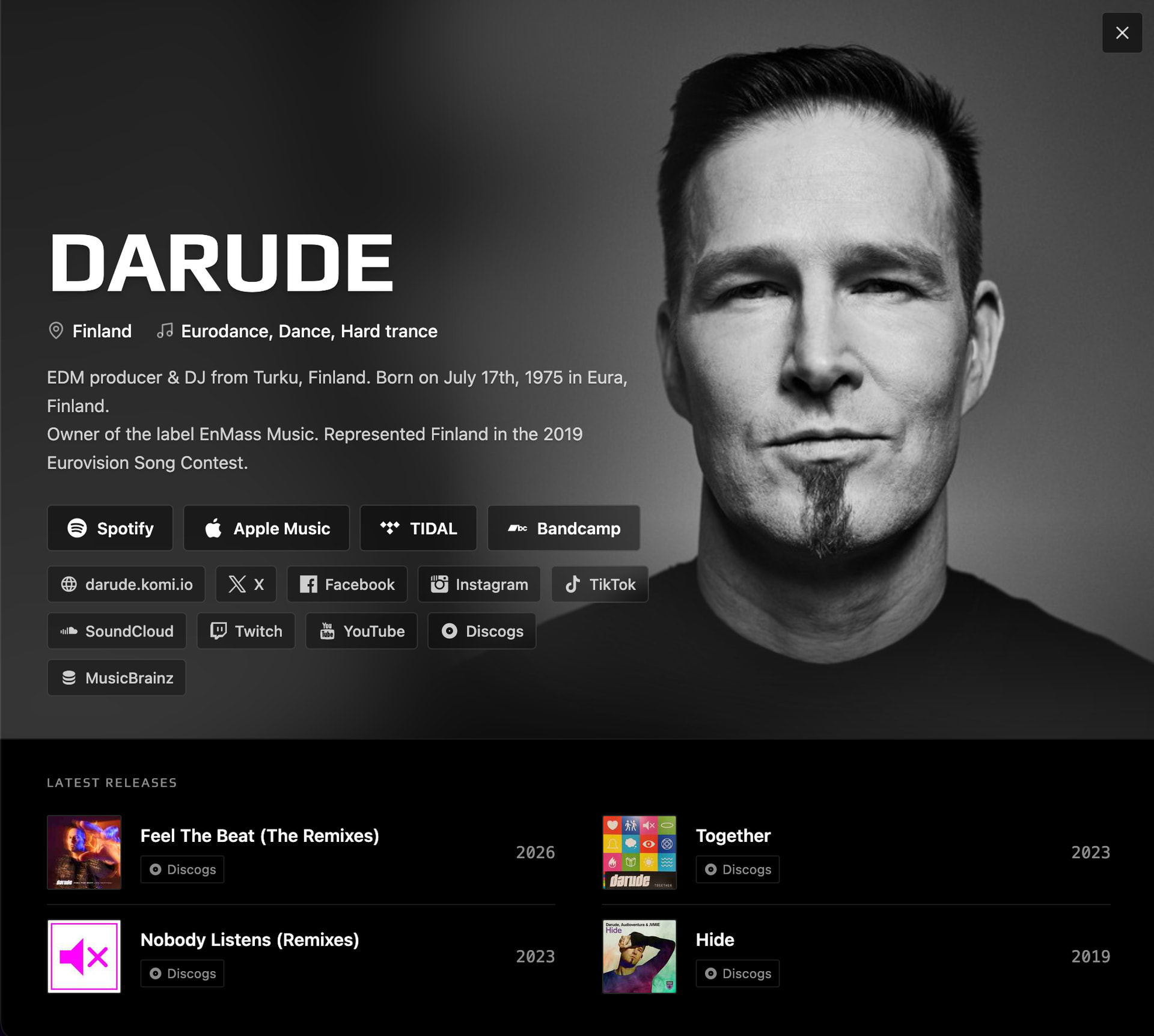
A very long time in making and development, we now have the first public iteration of our new FlashBot available for artists. The bot works much like Grok Bot on Twitter; anyone can ask it anything and it just answers.
FlashBot has access to Web, but it’s specifically taught to query places like Wikipedia, MusicBrainz, Discogs, and of course our own Slipmat Music API for music–related information. For now it can pull and present nicely information about artists and releases, and all other stuff it finds it just posts as normal short chat messages. You can ask it literally anything (and in any language) but it has way-above general abilities to find and explain all kinds of music-related information.
At the moment FlashBot is only available for artists who want to test it – just ping me and I’ll enable it for you. In the near future we’ll open it up for everyone using either your own OpenAI subscription with OpenAI models or via your own OpenRouter API key that allows you to power the bot using whatever model you want. Note: everything in the bot is carefully designed to be as simple and easy as possible. The defaults work well and you don’t need to know anything about the underlying tech to use FlashBot. But as we need to pay for the AI-compute somehow, you’ll need to either connect your own subscription, buy credits from us, or use your own API key to use this – whatever works best for you.
This first iteration of FlashBot is only available on your live event chats and in the artist chat channel. If there’s demand for it we may open this up for private chats as well but while we test this we want to keep all conversations public to help debugging and avoid any potential misuse.
A note about security
FlashBot is sandboxed in its own environment in a way that it has no acess to private Slipmat data or source code. It pulls all its data from the public Web and our public APIs – the same ones that power our site, our desktop app, and our existing MCP Server AI-tool. FlashBot cannot see any private artist or user information, any private chat messages, or any other things other than the strictly scoped tools it has for our public APIs.
We’ve specifically designed the bot access in a way that makes any kind of attacks agains it mostly pointless as literally all the data it hass access to is already public. The most “private” information a smart attacker can potentially extract from the bot is the system prompt which at the moment is a short text document explaining how it can use the tools it has (that only work with public data) and how it should reply to the IRC-like chat – hardly anything useful and in any case something we might publish later for the community to improve.
We take all information security very seriously and we are committed to keep your personal data safe (and easy to export if you want to). The security around AI-tools is generally pretty abysmal which is why we’ve been very strict when designing and testing FlashBot over about past 8 months. The publicly available (as in queryable via the public events) FlashBot will always stay read-only and working with public data. If (and likely when) in the future we publish any tools like our current MCP-server that allow you to work with your own private data, the security model will be very different and always opt-in (like FlashBot also is).
Enhancements
- Artists have now much better archived event detail page with proper stats.
- There’s now a list of event tips and tippers on the artist archived event page.
- Allow proper currency selection on the tip modal.
- Optimized homepage feed collection to return music data in one batch.
- Tip modal now validates the payment to be at least $2 to avoid excessive transaction costs.
- Event ending now validates the redirection target event status and only redirects if the target event is live or in warmup. If the validation fails, no redirection is made and the event stays open for 30 minutes after which the doors automatically close and listeners are redirected to the artists chat channel.
- Re-enabled true live end-to-end tests in production
- Homepage feed building has been reworked again. We have 10 new feeds, focusing on Europe and rest of the world other than US/CA so that the music is hopefully more varied. We keep on improving the feed algorithm on regular basis.
- The artist Stripe connection has been rebuilt. It now correctly uses existing Stripe account if you have one instead of always creating a Slipmat-specific account. The new connection also passes all transactions directly to your own account so things like refunds can be done directly by yourself. Important: the old connections do not work before reconnecting. After reconnecting, tipping works normally.
- Shoutout recorder now looks more like a recorder and allows you to easily listen, re-record and monitor the recording length.
- Tipping creates now a much better-looking chat message.
Bugfixes
- Fixed a bug in event stats collecting where one stopped event could stop stat collecting on another event.
- Fixed tip payments to not show unconfigured payment methods.
- Fixed an N+1 SQL query in artist data fetch.
- Fixed API connection cleanup issues that resulted in Sentry errors.
- Fixed a stupid small issue that reduced comment forms into one line. They now properly grow as you type and only send with
Command/Control+Enteras they should. - Some archived events did not report timestampt properly, this has been fixed.
- Fixed Slipmat http client error handling so that DNS-errors no longer break any tasks. This improves many things like playlist enrichment, song enrichment, link fetching, etc.
Slipmat MCP (AI-tool)
More about this tool here: Slipmat MCP Server - Native AI Tool
- MCP server has now complete access to artist event chat logs, including artists own chat channel. Note: no access to private chats.
- You can now also post chat messages to your own live channels and artist channel via the MCP server. This allows interesting live AI-based workflows.